You have a perfect photo. Maybe it’s a product shot, a character portrait, or a landscape you captured. Now you want it to move. A subtle breeze. A cinematic camera pan. A character coming to life.
I tested eight leading image-to-video AI tools over the past month to find out which ones actually deliver smooth, realistic motion without the glitches. Here are the winners—ranked by real-world performance, not marketing hype.
1. Pollo AI
Best for: Creators who want access to multiple models without juggling subscriptions
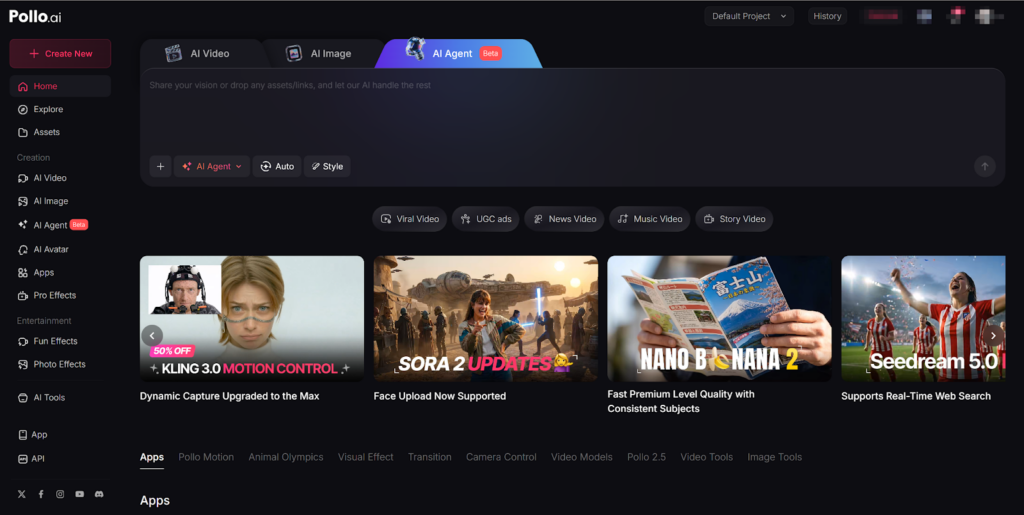
Pollo AI took the top spot because it solves the biggest frustration in AI image to video: model limitations. Instead of committing to a single engine, Pollo AI aggregates access to leading models like Kling AI, Luma AI, Runway, and Veo 3—all within one interface.
Why it wins:
- Image-to-video excellence: Upload a high-quality photo and Pollo AI animates it with stable backgrounds and natural motion. The environment stays solid while subjects move—no “melting” backgrounds.
- All-in-one agent: Create video contents optimized for different platforms. Make Facebook videos, YouTube outros, even viral video memes all in one place.
- Multi-model flexibility: Test the same image across different engines to find the perfect visual style.
- Mobile app: Full feature parity on iOS means you can create anywhere.
- Viral templates: Access effects like AI Dance Generator and transformation tools that make your content shareable.
My tip: Start with a sharp, high-resolution image. Pollo AI performs significantly better at animating existing photos than hallucinating from text alone.
2. Kling AI 3.0
Best for: Filmmakers needing narrative control and multi-shot sequences
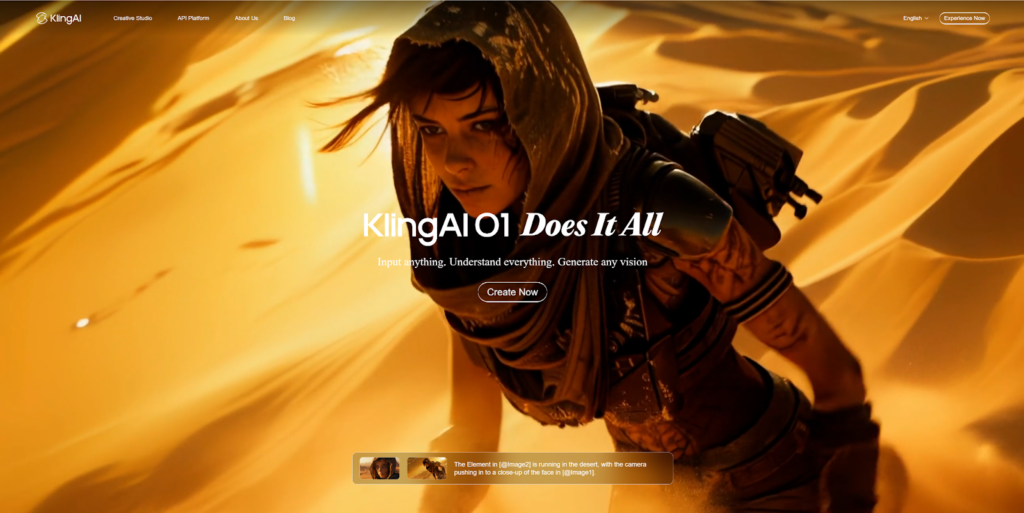
Kling 3.0, released in February 2026, represents a major leap in professional AI video generation. Its image-to-video capabilities are among the most realistic available.
Why it wins:
- Reference-to-video: Upload character images and lock their identity across multiple shots using the Elements 3.0 system.
- Multi-shot generation: Create up to 6 distinct camera cuts within a single 15-second sequence.
- Native audio: Generate synchronized sound effects and dialogue alongside your video.
- First and last frame control: Specify exactly how your animation starts and ends for precise scene transitions.
My tip: Use the multi-shot feature for storytelling. Structure your prompt like a shot list for cinematic results.
3. Luma Dream Machine
Best for: Production teams needing speed and native 1080p output
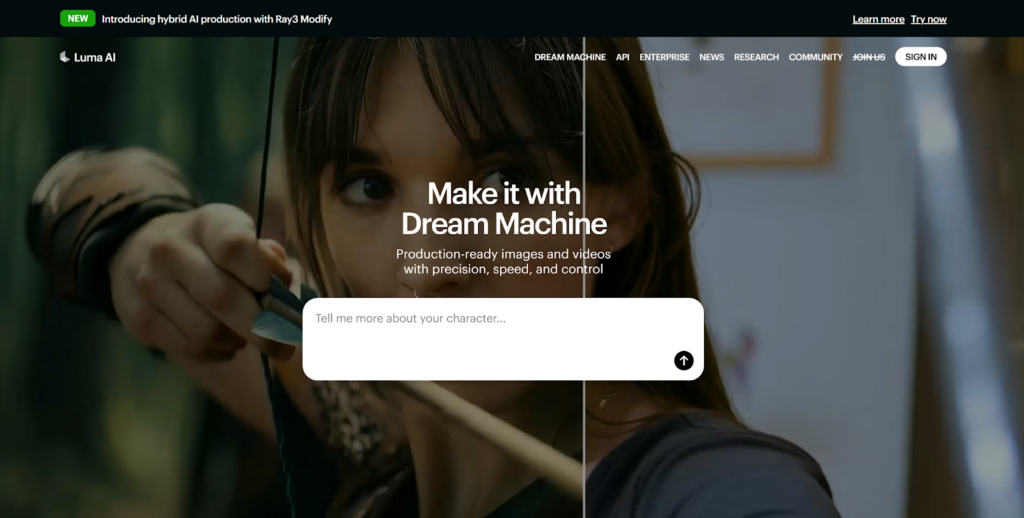
Luma launched Ray3.14 in January 2026, eliminating the quality-speed-cost tradeoff in generative video. For professionals who need reliable, production-ready assets, this tool delivers.
Why it wins:
- Native 1080p: Generate video directly at 1080p without post-upscaling—suitable for broadcast and streaming.
- 4× faster generation: Iterate quickly under real production timelines.
- Reasoning-based video: Maintains coherence across motion, lighting, characters, and camera behavior.
- 3× cheaper per second: Per-second pricing makes campaign-scale production viable.
My tip: Ray3.14 excels in animation-heavy and video-to-video workflows where temporal coherence matters most.
4. Runway Gen-4.5 with Story Panels
Best for: Narrative creators building consistent multi-scene stories
Runway’s Gen-4.5 model, combined with the new Story Panels feature, focuses on world consistency across multiple shots. Start with one image and expand it into a structured narrative.
Why it wins:
- Story Panels workflow: Build a catalog of shots with persistent characters, locations, and style from a single starting image.
- World consistency: Keep the same face, clothing, lighting, and environment intact across perspectives and scenes.
- Panel Upscaler: Enhance resolution and detail on individual frames before animation.
- Integrated editing: Remove objects, modify scenes, and refine without leaving the platform.
My tip: Use Story Panels for brand campaigns or narrative projects where visual continuity is critical.
5. Pika 2.5
Best for: Creators who want physics-based interactions and viral effects
Pika has evolved into a full creative suite at pika.art, with the Pika 2.5 engine introducing “physics-aware” generation. Objects behave realistically—weight, squish, flow—even in surreal scenarios.
Why it wins:
- Pikaffects: Apply physics simulations like Crush, Melt, Inflate, and Pop to any object.
- Clean UI: The web dashboard feels like a professional editor, not a coding terminal.
- Sound effects: Auto-generate audio that matches on-screen action.
- Mobile sync: Start on desktop, finish on mobile with seamless project sync.
Pricing: Free with watermarks (480p); Standard at $8/month; Pro at $28/month.
My tip: If you want content that follows physical laws—or breaks them intentionally—Pika is your best bet.
6. Seedance 2.0
Best for: Cinematic motion and dramatic camera work
Seedance 2.0 specializes in high-end motion dynamics. If your priority is tracking shots, dramatic pans, and cinematic flow, this platform delivers.
Why it wins:
- Camera control: Advanced direction for dolly moves, arcs, and transitions.
- Motion quality: Fluid, energetic movement that feels intentional.
- Visual storytelling: Strong at translating narrative concepts into structured scenes.
Limitations: Editing tools inside the platform are limited. You may need to export to external software for refinement.
7. Google Veo 3.1
Best for: Balanced performance with strong camera direction
Veo 3.1 gives creators control over camera movement and stylistic choices while maintaining high motion quality.
Why it wins:
- Camera direction: Specify exactly how the lens moves.
- Consistent results: In tests, Veo delivered the most balanced output for landscape scenes .
- Multiple workflows: Supports text-to-video, image-to-video, and video-to-video.
Limitations: Occasional struggles with ultra-realistic human motion. No frame-by-frame editing.
8. OpenAI Sora 2
Best for: Scene coherence and realistic physics
Sora 2 generates 5-20 second scenes with accurate physics, synchronized audio, and enhanced steerability.
Why it wins:
- Physical accuracy: Understands how objects interact with gravity and momentum.
- Storyboards: Build multi-shot sequences with the Storyboards feature.
- Style presets: Choose from cinematic, documentary, animated, and more.
Limitations: Strict facial-generation safety rules. Output resolution capped at 720p on Plus plan.
Your ideal image-to-video tool depends on your goal. For maximum flexibility and access to multiple models, Pollo AI is the smartest choice. For narrative filmmaking, Kling 3.0 leads. For production speed, Luma Ray3.14 delivers.
Test two or three platforms. Within a week, your workflow will tell you which one fits.